 Too Average Tools, by Jaycee Day
What works
| Way | What you do | Good to know |
|---|---|---|
| Host password setting | Turn it on in Netlify or Vercel | Only on some plans |
| Encrypt the file | Run StatiCrypt, upload the result | Works on any host with HTTPS |
| Login gate | Put Cloudflare Access in front | People log in, with no shared password |
| Ship It | Say "ship it" in Claude, then add a password | You type the password in your browser, not the chat |
Encrypt one file with StatiCrypt
- Run this in the folder with your page, and type a long password when it asks:
npx staticrypt page.html - Upload the new file from the
encryptedfolder. - Send the link, and send the password in a separate message.
Anyone can download the encrypted file and keep guessing, so use a long, unusual password.
What doesn't work
A prompt() check in JavaScript runs after the browser already has your page. Anyone can open the source and read it.
Ship It does this when you say "ship it" in Claude
You get a private link to what you made, with a password if you want one. Re-shipping keeps the same link, and deleting really deletes.
Get Ship ItQuestions
- Can I password protect HTML without a server?
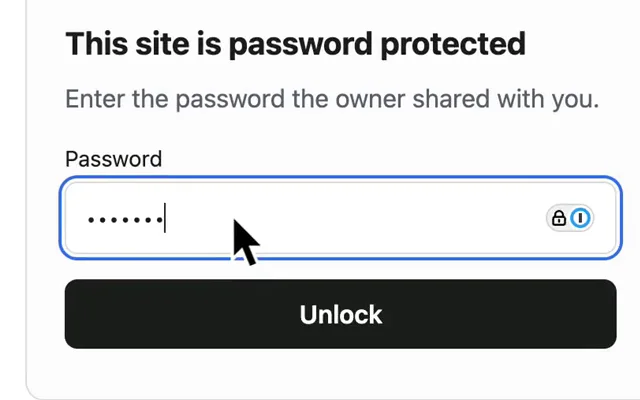
- Yes. StatiCrypt encrypts the page into one file with its own password prompt, which decrypts it in the browser.
- Does it protect the images and other files too?
- StatiCrypt encrypts the HTML file you give it, so files it links to stay public. A host password setting covers the whole site.
By Jaycee Day. Checked November 2026 against StatiCrypt, Netlify, Vercel and Cloudflare docs. Plans change, so check before you rely on one.