 Too Average Tools, by Jaycee Day
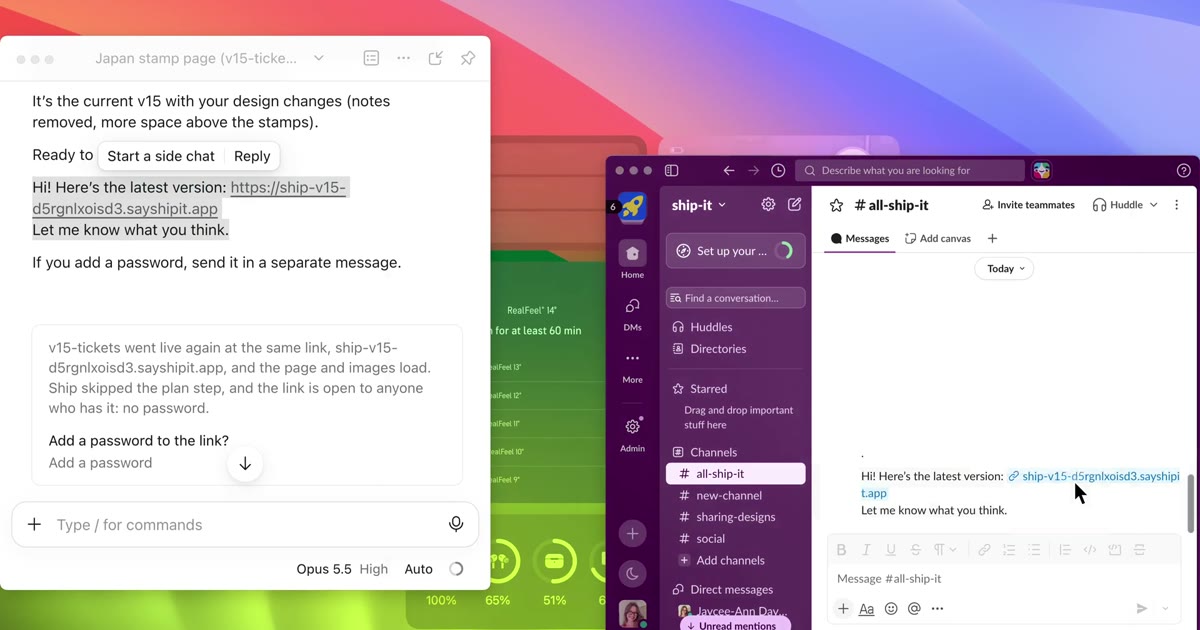
What publishing in Claude does
- Who can open it: anyone with the link, with no Claude account.
- Password: Claude's docs don't list one for published artifacts.
- Taking it back: Unpublish stops access, and you can't republish that same artifact.
How to add a password
- Get the HTML. Export a design as standalone HTML, or download the artifact from its panel.
- Put it on a host with a password. Here's how to password protect HTML.
- Send the link, and send the password in a separate message.
Ship It does this when you say "ship it" in Claude
You get a private link to what you made, with a password if you want one. Re-shipping keeps the same link, and deleting really deletes.
Get Ship ItQuestions
- Can I password protect a published Claude artifact?
- Claude's docs don't list a password for published artifacts. Allowed domains only limits which websites can embed it.
- Do people need a Claude account to open it?
- No, not for a published artifact. Other shared artifacts do need one.
By Jaycee Day. Checked November 2026 against Claude and Claude docs. Plans change, so check before you rely on one.