 Too Average Tools, by Jaycee Day
Four ways to share it
| Way | Who can open it | Password | Viewer needs an account |
|---|---|---|---|
| Publish in Claude | Anyone with the link | None listed in the docs | No |
| Email the HTML file | Anyone who has the file | Only if you encrypt it | No |
| Your own host, like Netlify or Vercel | Depends on your settings | On some plans | No, with a shared password |
| Ship It | Anyone with the link, which can't be guessed | Optional | No |
What to check before you send it
- Can it show up in search? Ship It links tell search engines not to list them. On your own host, check the setting.
- What happens when you change it? If each update makes a new link, your client ends up with an old version.
- Can you take it back? Find out what the link shows after you remove it.
Ship It does this when you say "ship it" in Claude
You get a private link to what you made, with a password if you want one. Re-shipping keeps the same link, and deleting really deletes.
Get Ship ItQuestions
- Is a private link enough for client work?
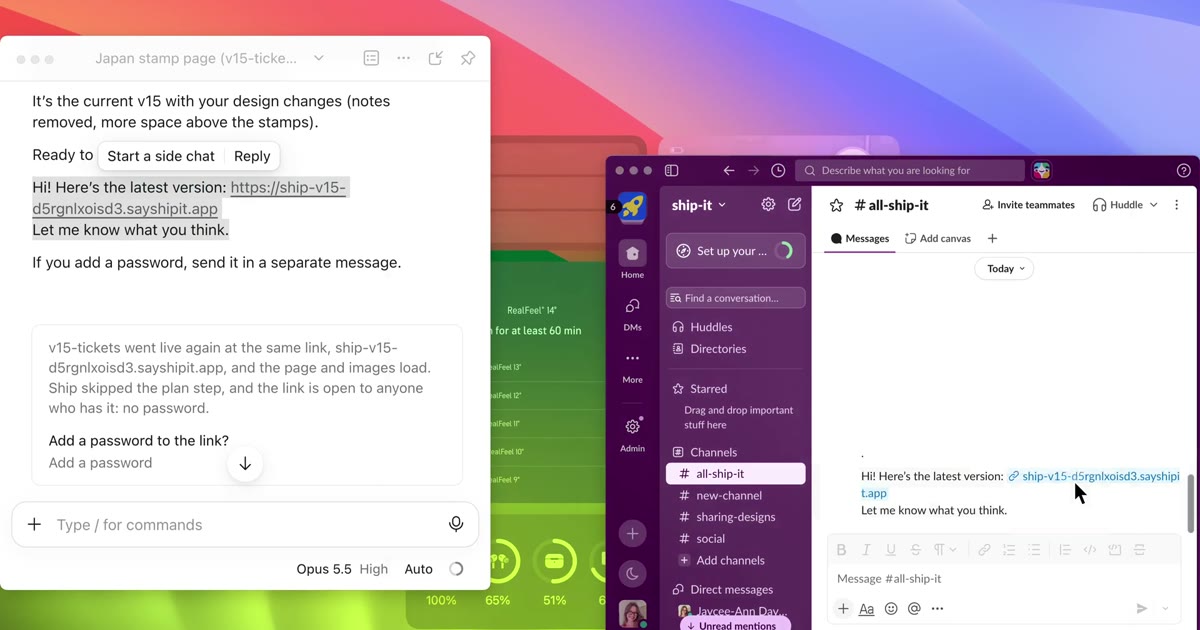
- A link is only as private as the people you send it to. Add a password, and send it in a separate message.
- Do viewers need a Claude account?
- Not for a published artifact, and not for a Ship It link. They need the link, and the password if you set one.
By Jaycee Day. Checked November 2026 against Claude, Netlify and Vercel docs. Plans change, so check before you rely on one.